Pool Test Strip Intake
Capture a fresh photo of the strip on a neutral background. Consistent lighting and a perpendicular camera angle will make the later color analysis more reliable.
View analyser demo · Process recent uploads · Tune sampling zones
Start a Test
Recent Uploads
-
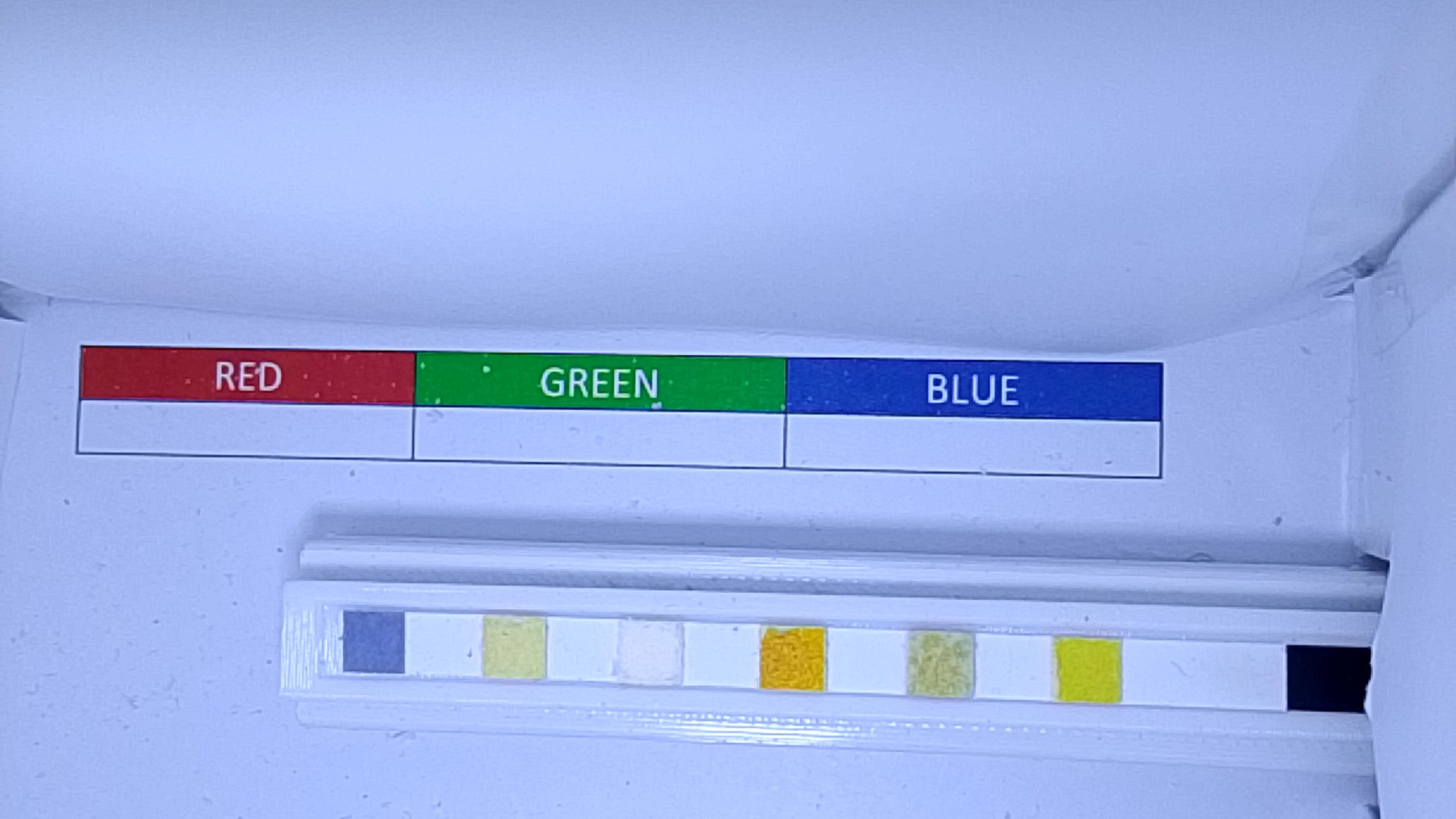 20251208T094759_fcc4c8109a33497d9a7bb1c2dd8055f3.jpg
-
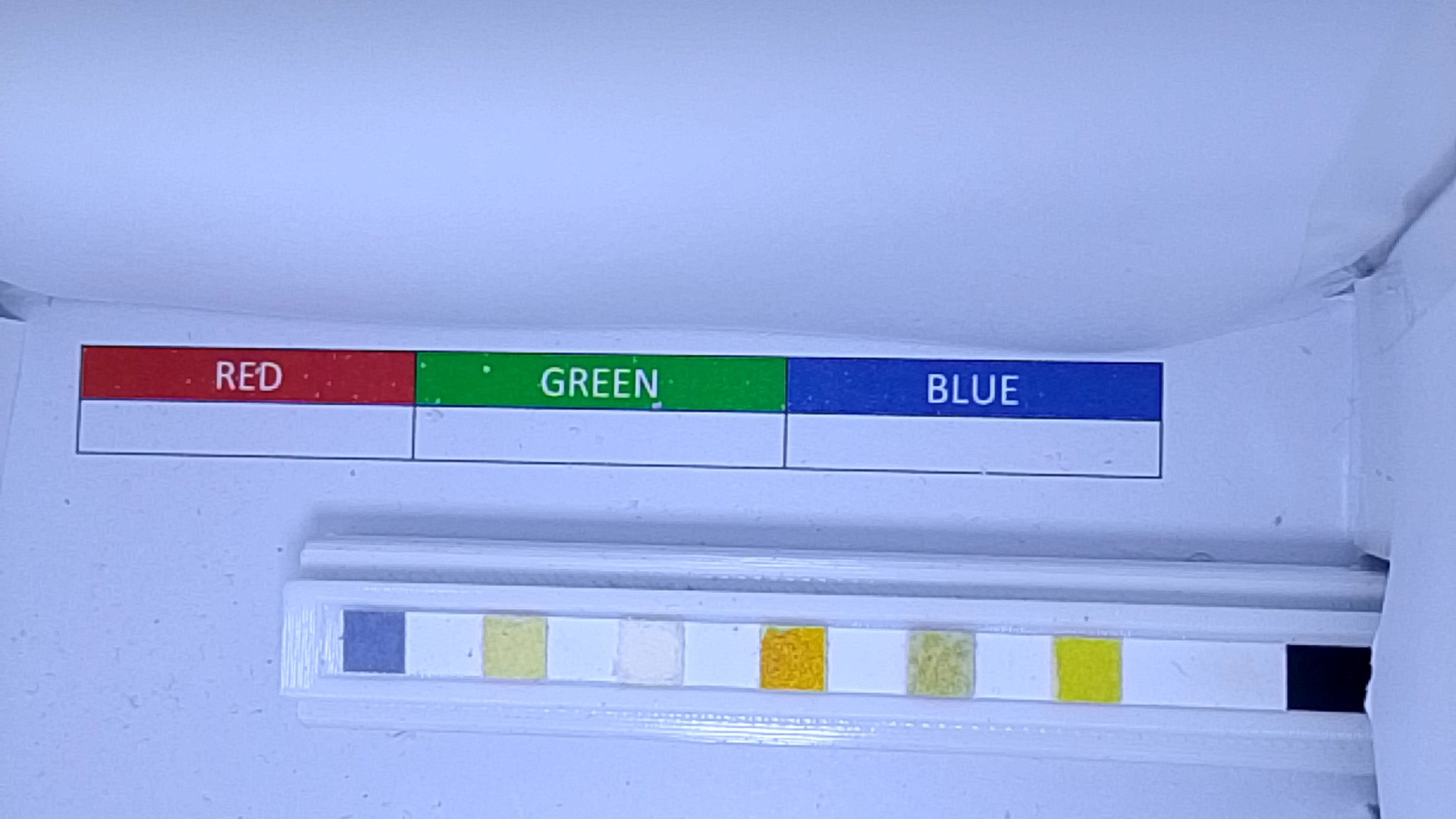 20251208T094734_8e3010f788054faa9544440d29f4ee35.jpg
-
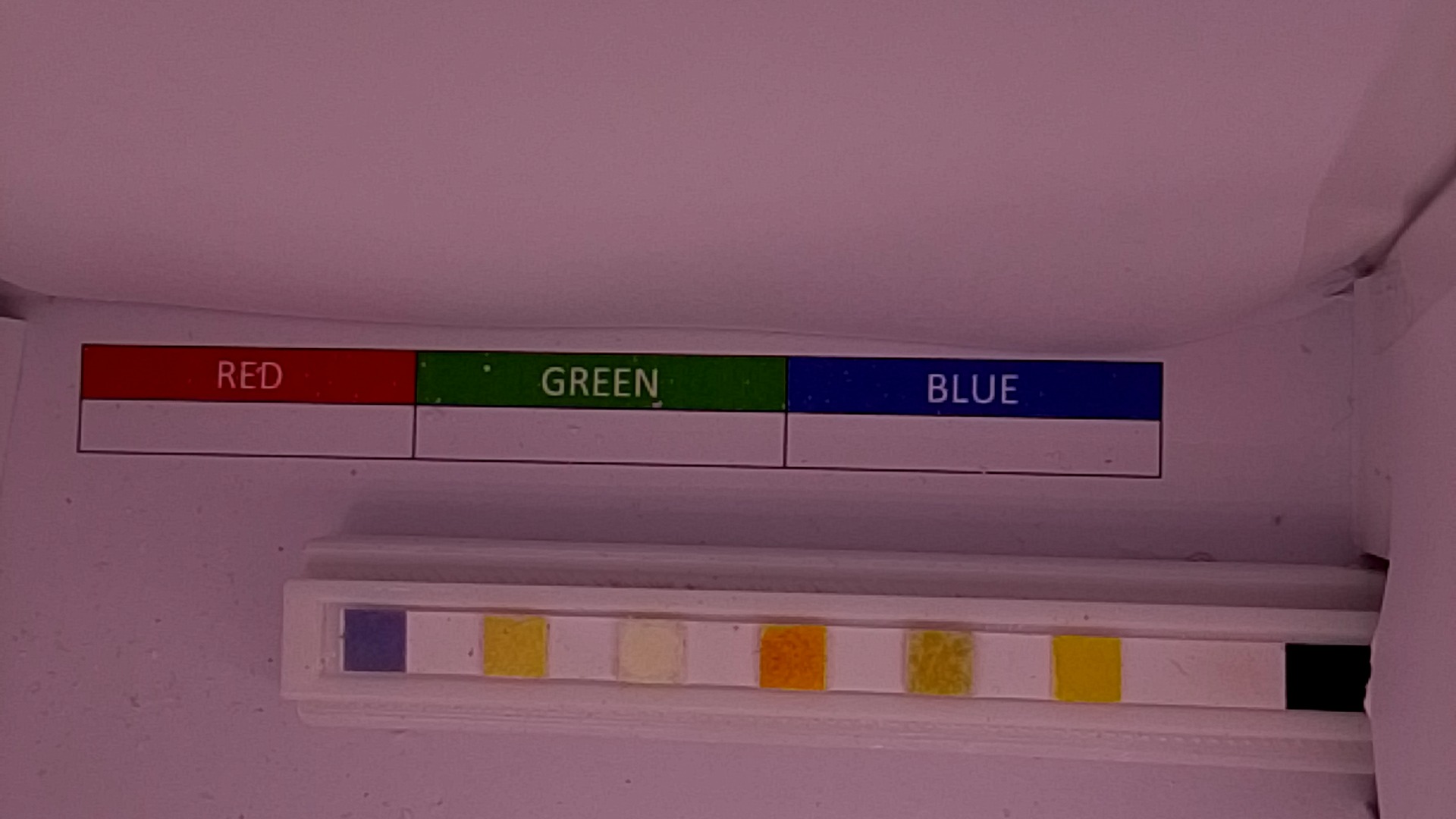 20251208T094638_a4c303c2ae4344bb9a8fe5242d6cfa2c.jpg
-
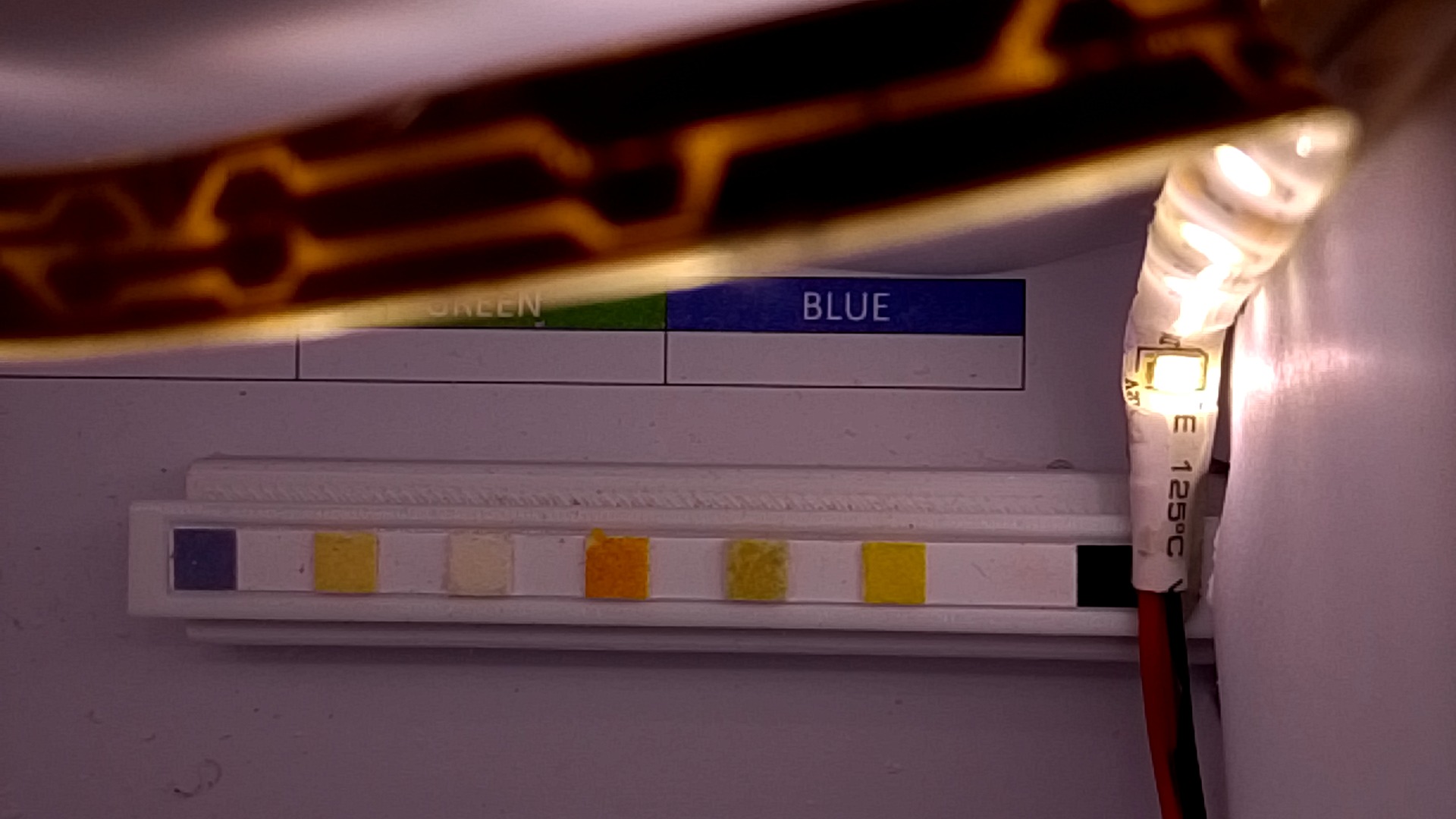 20251208T094359_644a7b8612e84cf1888c9868776a7e2a.jpg
-
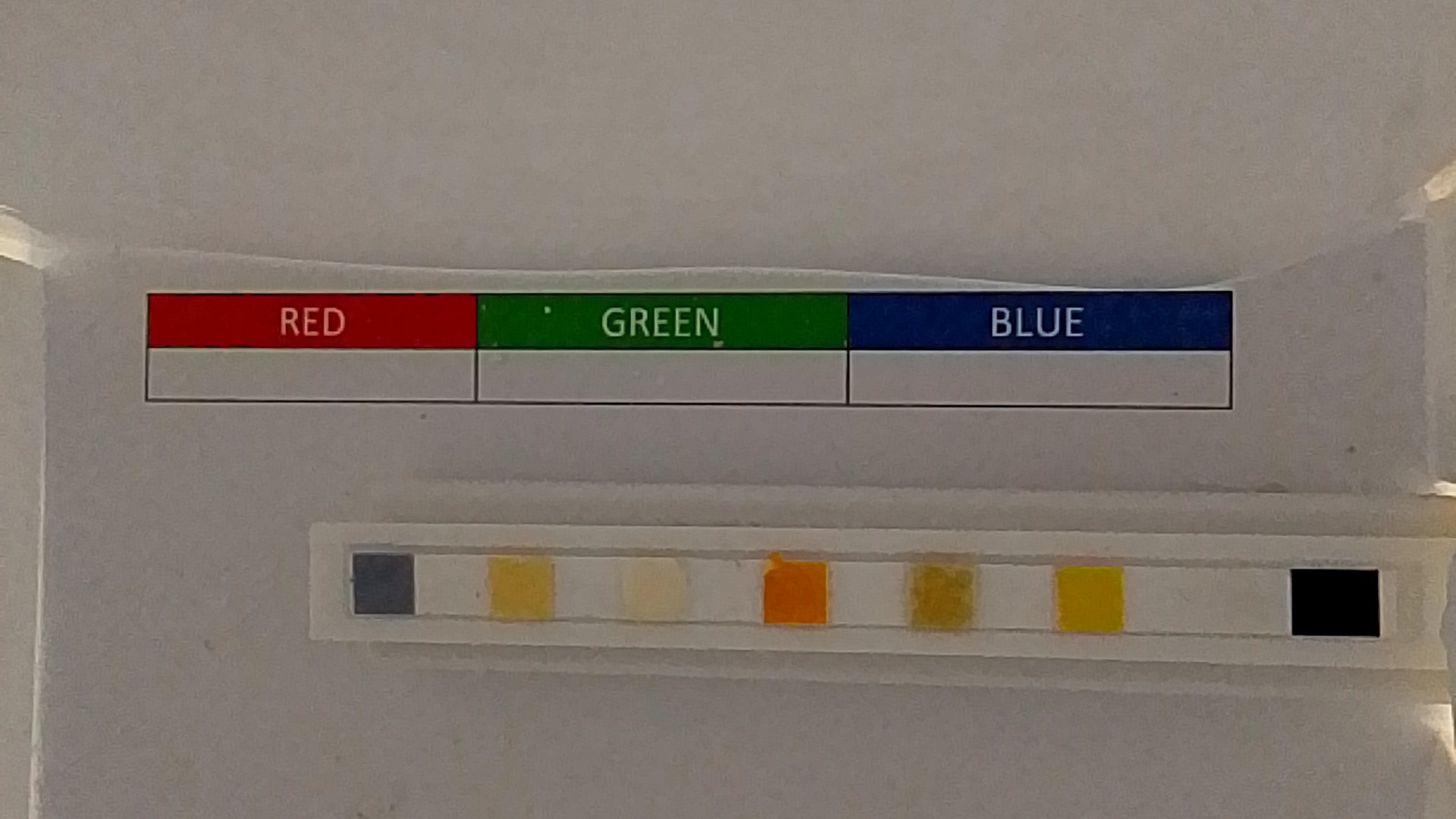 20251208T092426_76a0834c49d74f42b08dc8466ff8a517.jpg
-
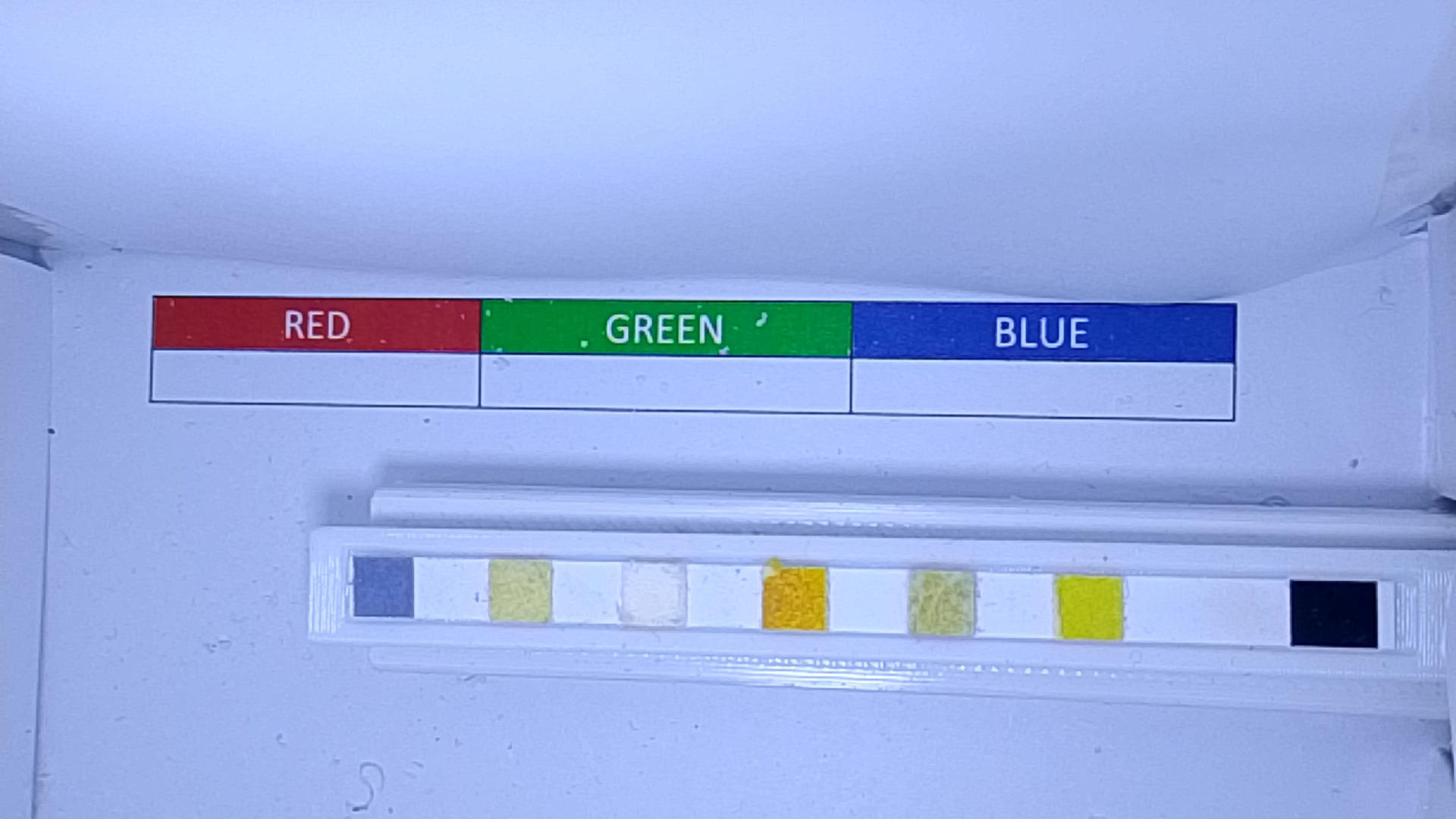 20251208T085325_db935560d3ba464185e90632c731e487.jpg
-
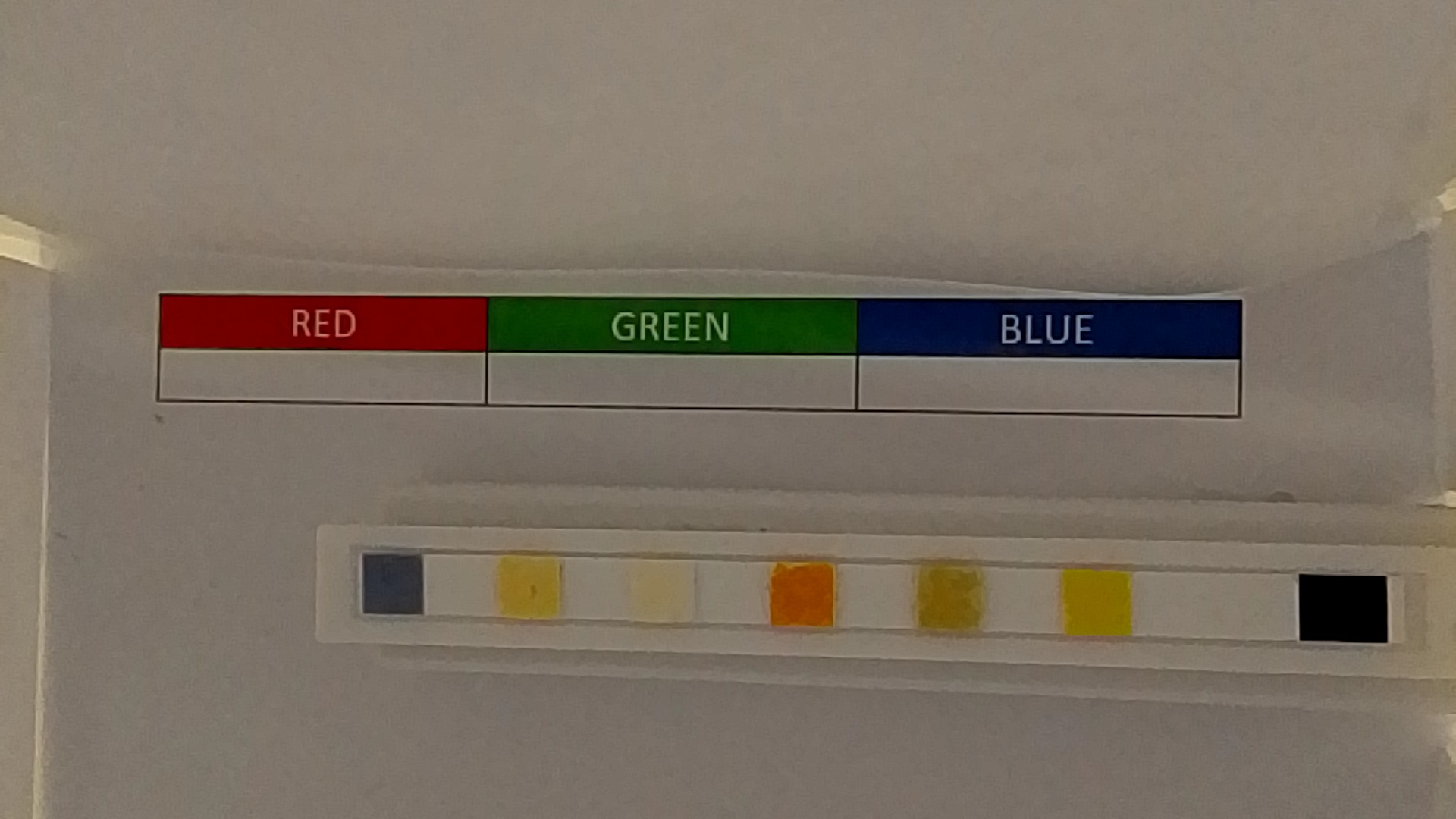 20251204T172902_15480131c9e84b75b7f01d351fc7d745.jpg
-
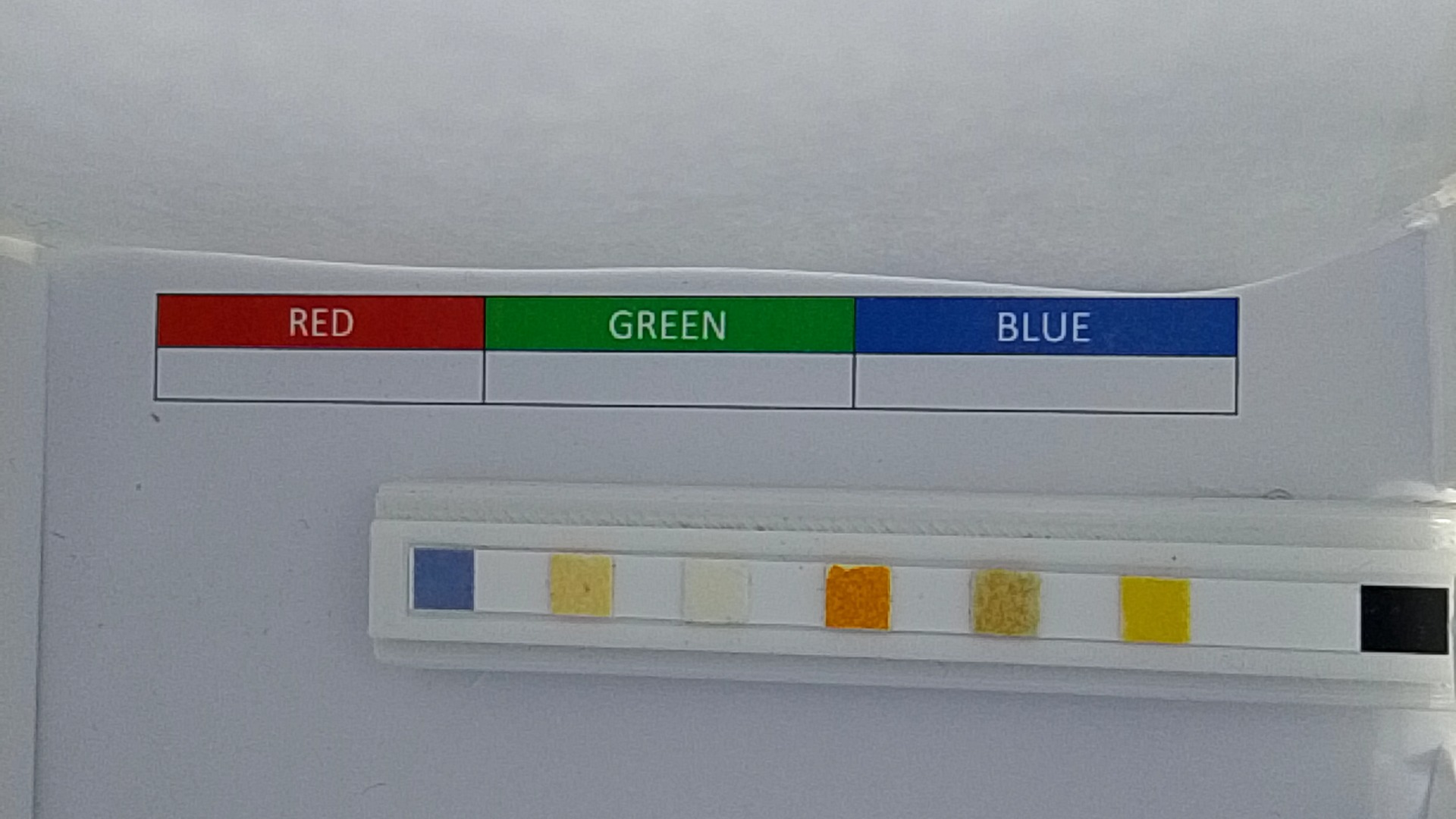 20251204T155504_95aeeb745a9b43759565a6ec50a5a687.jpg
Raw files live under instance/uploads. Plug your computer-vision pipeline
into that directory to estimate pH, chlorine, alkalinity, and more.
Analysis Checklist
- Normalize white balance using the background swatch.
- Sample each color pad with a small ROI to reduce noise.
- Compare averaged RGB/HSV values to the manufacturer reference chart.
- Store calibration data per test-strip lot for better accuracy.